

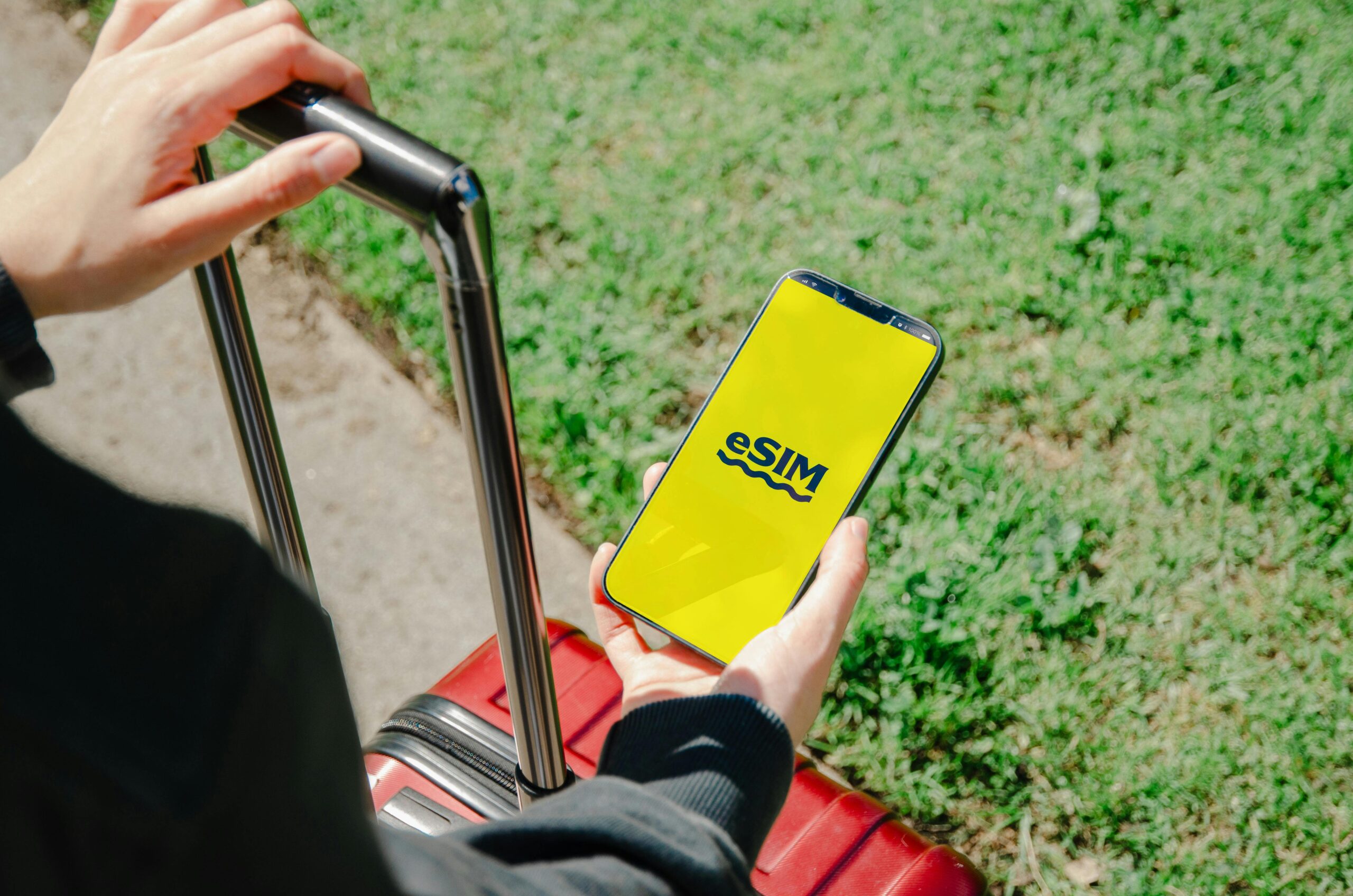
If you’ve ever gone to a new country and spent the first hour looking for a local SIM card, you already know what problem Orbit Mobile eSIM solves.
Orbit Mobile is a travel eSIM provider that lets you buy, download, and activate a local or regional data plan right on your phone, even before you get on the plane—no card made of plastic. There is no kiosk at the airport. When you get home, you won’t be surprised by your roaming bill.
eSIM, or embedded SIM, is the technology that enables it. Your phone’s built-in eSIM chip stores multiple carrier profiles digitally instead of on a physical chip. You can change between them in your phone’s settings. Orbit Mobile sells these digital profiles for use in more than 190 countries, with 4G LTE and 5G speeds.
It’s a clean, quick, and truly useful solution, especially for business travelers, digital nomads, and frequent travelers who need reliable data as soon as they land.
A Simple Explanation of How Orbit Mobile eSIM Works
When you understand how eSIMs work, you can trust them. Here’s how to go from buying to browsing:
Step 1: Pick a plan. Go to the Orbit Mobile website or app, choose your destination or region, and select a data package that fits the length of your trip and how you plan to use it. Some plans last a few weeks and offer unlimited data, while others last only a few days and offer 1 GB.
Step 2: Finish your purchase. Use regular payment methods to pay online. Your eSIM profile is made right away.
Step 3: Read the QR code. Orbit Mobile sends you a QR code. Open the eSIM settings on your phone, scan the code, and the profile will be installed in a few seconds.
Step 4: Turn it on before you land. In your phone’s settings, turn on your Orbit eSIM profile. As soon as your plane lands and your phone connects to a local tower, you’re online.
It only takes about five minutes to do everything. That’s what most people who use eSIM for the first time are surprised by. You might need to download data once you’re in another country, which is the chicken-and-egg problem you’re trying to avoid.
Where does Orbit Mobile eSIM work?
Orbit Mobile covers a lot of places, which is great. There is a plan for your route, whether you’re backpacking through Southeast Asia, going to a conference in Frankfurt, or hopping from island to island in the Caribbean.
Plans for eSIMs in Your Area
One of the best things about Orbit Mobile is its regional plans. You don’t have to buy an eSIM for each country. Instead, you can buy a single plan that works across Europe, Asia-Pacific, and the Americas. For trips to more than one country, this saves a lot of time.
For instance, a single regional plan for Europe could cover more than 30 countries using a single data pool. Your data keeps working even when you cross the border from France to Spain.
eSIM Plans for Each Country Orbit Mobile also has plans for each country for trips to just one place. These plans are usually less expensive than regional plans and let you use the strongest local carrier networks in that country.
Some popular places to visit are:
- United States — Full 5G coverage thanks to partnerships with major carriers
- United Kingdom — 4G/5G that works well in England, Scotland, and Wales
- Japan — Fast data in cities and most rural areas
- Australia — 5G in cities and 4G across the country
- UAE and Middle East — Good coverage in business travel hubs
- Southeast Asia — Plans for Thailand, Vietnam, Indonesia, the Philippines, and more
Insider Tip: If you’re going to a country with spotty rural coverage (like parts of Southeast Asia or Africa), find out which carrier Orbit Mobile works with in that area. Not just plan prices, but also carrier partnerships, affect signal strength in the real world.
What Speed Can You Really Expect from 4G vs. 5G eSIM?
Orbit Mobile offers both 4G LTE and 5G plans, but the speed you get depends on three factors: the plan you choose, where you are, and the hardware in your phone.
Most of Orbit Mobile’s plans use 4G LTE. This means in real life:
– Watching HD-quality videos without buffering
– Maps and navigation apps load quickly
– Video calls on Zoom, WhatsApp, or FaceTime are smooth.
– Fast downloads of emails and files
4G LTE is more than enough for most travelers. Most cities and suburbs worldwide have mature, reliable 4G infrastructure.
Plans for 5G
Orbit Mobile offers 5G-enabled plans in countries where 5G is widely available, such as the US, UK, South Korea, Japan, and parts of Europe. If your phone can use 5G (most high-end phones from 2021 and later can), you can expect:
– Download speeds between 100 Mbps and 1 Gbps in the best conditions
– Almost no delay for apps that need to work in real time
– Works better in busy places like airports and stadiums.
Insider Tip: If you’re traveling to a country with limited 5G coverage, don’t pay extra for a 5G plan. Before you upgrade, check the actual 5G coverage map for the area you plan to visit. Every time, a strong 4G signal is better than a weak 5G signal.
Does your phone support Orbit Mobile eSIMs?
You should check this first before you buy. Not all phones support eSIMs, and not all eSIM phones support travel eSIMs from other carriers.
General List of Compatible Devices
Most of the newest high-end and mid-range smartphones support eSIM. These are some of them:
– Apple iPhone — iPhone XS and later (all newer models support eSIM)- Samsung Galaxy: S20 series and later, Z Fold/Flip series
-Google Pixel: Pixel 3 and later-
OnePlus, Motorola, and others — Some models from 2020 and later
How to Look at Your Phone
On an iPhone, go to Settings > General. On an Android phone, go to Settings > Connections > SIM Manager. Your phone is compatible if it supports eSIMs or digital SIMs.
Important Exceptions
Some phones sold in some markets, especially Chinese versions of Samsung and Xiaomi, have the eSIM chip disabled by the manufacturer. Always check the model of your phone, not just the brand.
Check that your phone is also unlocked. Even if the hardware supports it, a carrier-locked phone might not accept a third-party eSIM profile. If you bought through a network provider, call them to make sure your phone is unlocked before you leave.
These prices are better than what you would pay for international roaming, which can cost $10 to $15 a day with major carriers.
How Orbit Mobile is Different from Roaming
If you have a home carrier in the US or UK, a week of international roaming can cost $70 to $100 or more. At similar or better speeds, the same Orbit Mobile eSIM plan would cost a fraction of that.
The savings add up quickly for frequent travelers. You could save $50 to $150 on a two-week trip by using Orbit Mobile instead of your home carrier’s roaming add-on.
Tip from an insider: Look for Orbit Mobile deals during the busy travel times of summer and the end of the year. Bundles are often cheaper during these times. Sign up for their email list to get these deals before they end.
You can start using it right away; no waiting.
You don’t have to go to a SIM shop, wait in line, or deal with language barriers at a phone store in another country. Everything happens online in under 5 minutes.
Keep your home number active.
The SIM card in your phone stays in your phone at all times. Even when you’re using Orbit Mobile data, you can still get calls and texts on your home number. This is important for two-factor authentication texts and for staying in touch with people who call your home number.
No Data Throttling Anxiety: Many Orbit Mobile plans really do offer fast speeds without sudden throttling at random data limits. Always read the fine print, but the plans are usually more open than most roaming packages.
Easy Plan Management: You can check how much data you have left, buy more, or switch plans without calling customer service. It works, and you can do it yourself.
Multiple eSIMs on One Phone: Newer iPhones and Android phones can support multiple eSIM profiles. You can have both your home eSIM and your Orbit Mobile travel eSIM installed. You can switch between them whenever you need to.
Common Questions About Orbit Mobile eSIM
Can I use Orbit Mobile eSIM to make phone calls?
Most Orbit Mobile plans only give you data. Use your main SIM or apps like WhatsApp, FaceTime, or Skype over your Orbit Mobile data connection to make voice calls. This is how most people who travel handle calls abroad anyway.
What happens if I run out of data?
You can buy a top-up directly in the Orbit Mobile app or on the website. The process is quick. Just scan a new QR code or add the top-up digitally, and you’ll be back online in a few minutes.
Does Orbit Mobile work in places that are hard to get to?
The local carrier’s infrastructure determines how well it performs in remote areas. In well-developed countries like Japan and Germany, rural coverage is good. In more remote areas, you can expect coverage mostly in towns and along major roads.
Can I use my eSIM data as a hotspot?
You can connect your laptop or tablet to the internet through your phone with many Orbit Mobile plans that let you share a mobile hotspot. If you want to use a hotspot, make sure to read the plan details before you buy.
Is Orbit Mobile eSIM safe and sound?
Yes. The same security standards that apply to physical SIM cards also apply to eSIM technology. Your data is encrypted during transmission, and the eSIM profile is linked to your device’s hardware. There is no longer a chance of losing a physical SIM card at the airport.
How to Make the Most of Your Orbit Mobile eSIM
Buy Before You Go
Buy and set up your eSIM at least 24 hours before you leave. This gives you time to fix any compatibility issues from home rather than rushing to the airport.
Download Maps for Offline Use Before you leave your home Wi-Fi, download maps for your destination in Google Maps or Maps.me. This significantly reduces your data use, especially in cities where navigation can quickly use up your allowance.
Stop Automatic Updates. When you first use your travel eSIM, turn off automatic app updates. A single background software update can use up to several gigabytes of data without warning. Change to manual updates and update only when you’re connected to the hotel Wi-Fi.
Use Modes That Save Data
Many smartphones have a data-saving mode. When you’re using your Orbit eSIM, turn it on to reduce data usage by background apps you aren’t using.
Keep an Eye on Your Usage. Use the Orbit Mobile app to check your remaining data balance often. Don’t wait until you’re out of data to think about getting more—plan, especially for long travel days when you’ll need maps and translation apps a lot.
Who Should Get an Orbit Mobile eSIM?
Business travelers who travel to different countries every few weeks and don’t want to set up a new SIM at each one.
Vacationers and tourists who want to stay connected without paying their home carrier’s roaming fees.
Digital nomads who work from different countries need reliable internet access no matter where they set up their laptops.
Backpackers who want one plan that covers their whole trip through Europe, Asia, or South America and who are going to multiple countries.
Anyone who has ever gotten a surprise $200 roaming bill has promised never to let that happen again.
Final Decision: Is Orbit Mobile eSIM Worth It?
The short answer is yes. For most people who travel internationally, Orbit Mobile eSIM is a better option than roaming with their home carrier.
The setup goes quickly. The prices are good. The coverage is really wide. And the fact that you can turn on data before you even land solves one of the most common problems travelers have.
The only travelers who might not benefit are those going to very remote places with limited carrier infrastructure, or those who mostly need voice calls rather than data.
For everyone else, the Orbit Mobile eSIM is one of the best things you can buy before you go abroad. Buy your eSIM before you leave, set it up at home, and when you land, you’ll be ready to navigate, talk, and share no matter where you are in the world.
Want to stay in touch on your next trip? Look through Orbit Mobile eSIM plans by where you’re going, and you’ll be able to get online as soon as you land.